
Your commands.
One click from the menu bar.
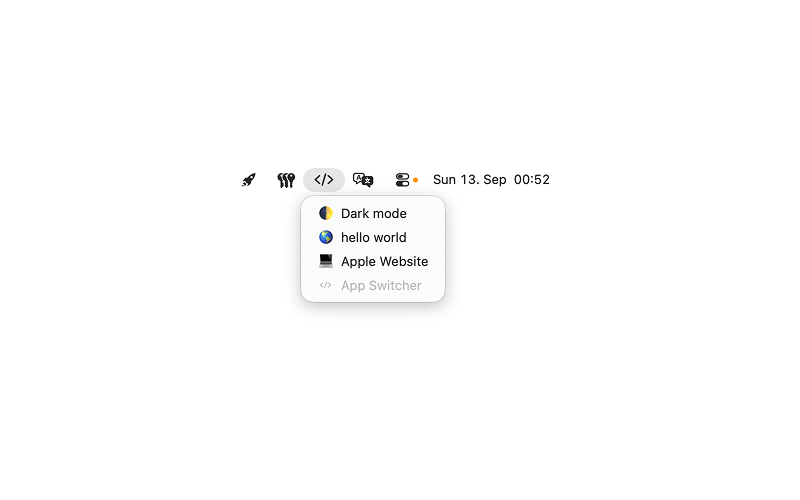
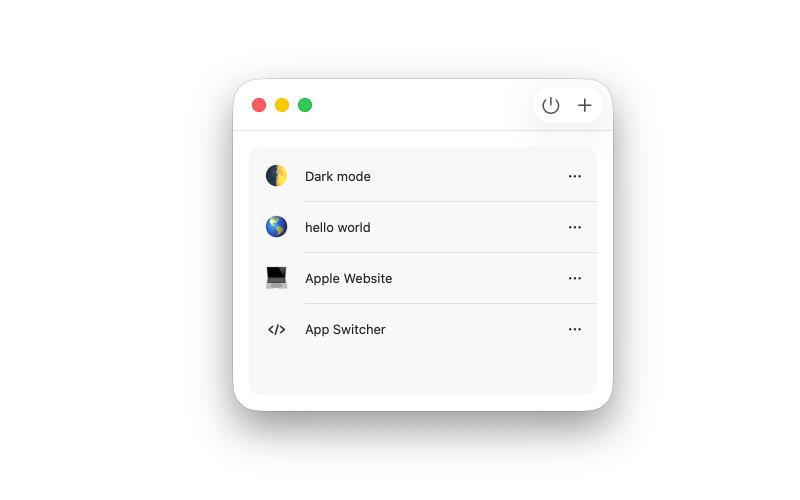
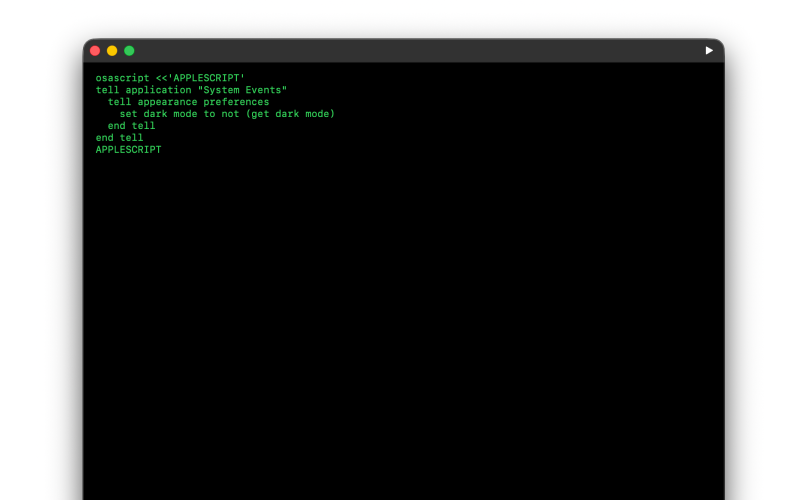
Runner lives in the macOS menu bar and runs the shell commands you save.
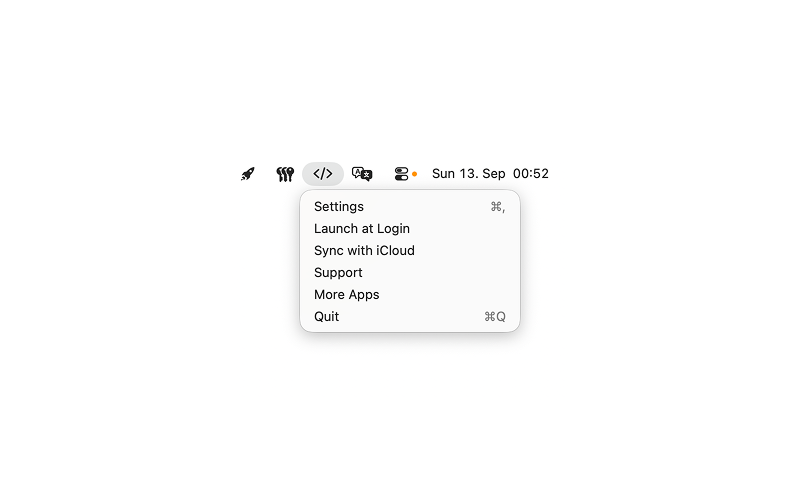
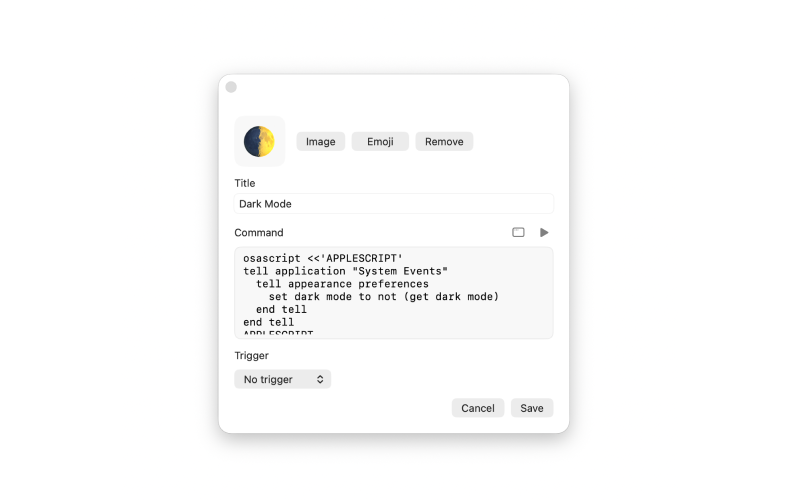
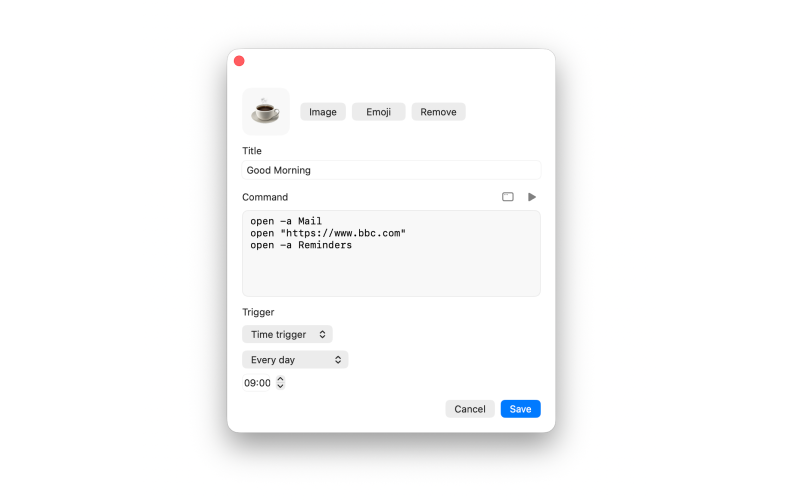
Add a title, optional icon or emoji, and a command. Left-click the menu bar icon to run it. Right-click for Settings, Launch at Login, iCloud sync, Support, and More Apps.
Commands stay under your control. There is no account inside the app. Requires macOS 15 or later.
Made for
Build in
Run with /bin/zsh
Saved commands run with /bin/zsh from the menu bar.
Dark code window
Edit in a dark, full-size code window when you need more than a single line.
Time triggers
Optionally run a command by hour, day, week, month, or a custom schedule.
Event-code checks
Optionally fire a follow-up when a script exits 0.
Drag to reorder
Arrange your list by dragging items into the order you want.
Optional iCloud sync
Sync across Macs signed in with your Apple ID, if you turn it on.
Launch at login
Keep Runner in the menu bar after you sign in to your Mac.
No account
There is no account inside the app. Your commands stay under your control.