
Translate from the
macOS menu bar.
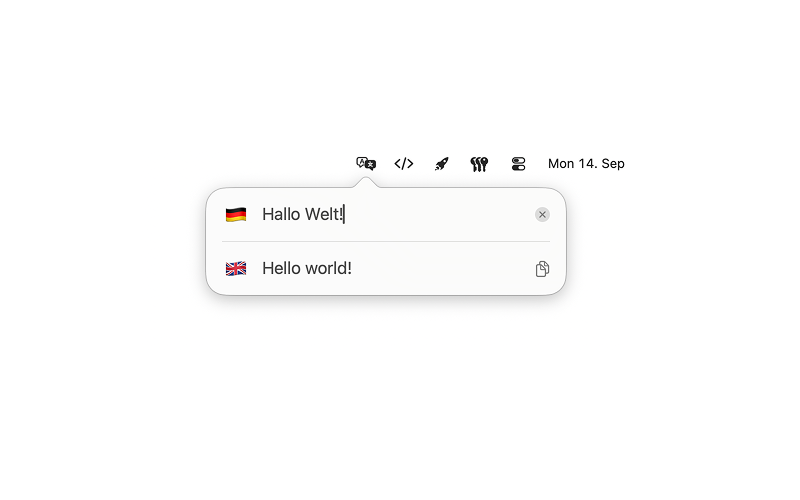
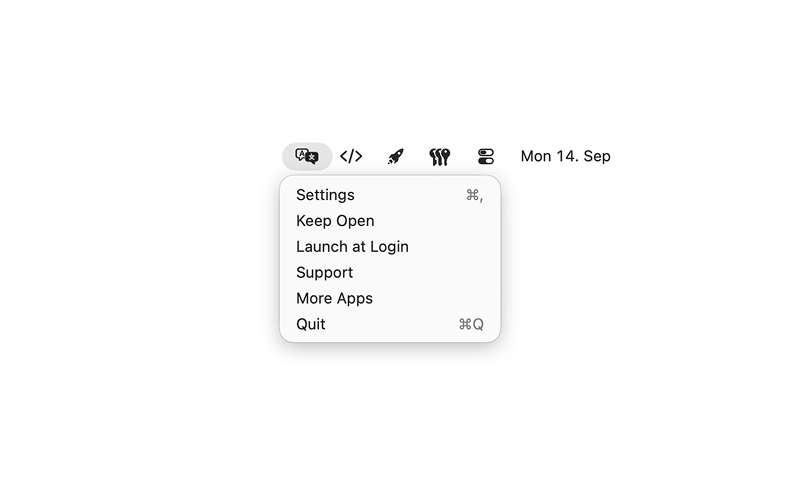
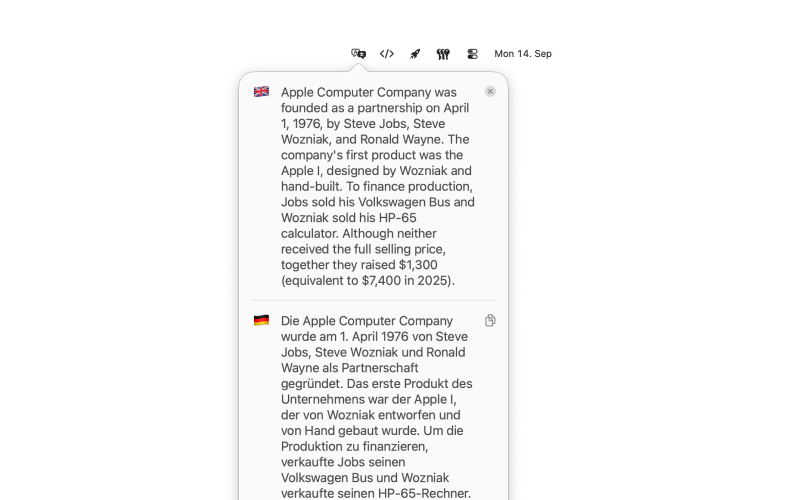
Linguo is a translator in the macOS menu bar. There is no Dock icon and no account. Left-click the translate icon, type or paste a word or sentence, and Apple Translation fills the other language on your Mac.
The card always shows exactly two languages: the source on top, the translation below. Type or paste in the other field and that language jumps to the top. Selecting or copying the translation does not switch the pair. You choose every language — the list starts empty, and you need two before the card can translate.
Linguo uses Apple Translation on your Mac. There is no cloud translator inside the app, no sign-in, and no developer analytics. The interface follows your Mac’s language. Requires macOS 15 or later.
Made for
Build in
Two-language card
Source on top, translation below. Type or paste in either field to make that language the source.
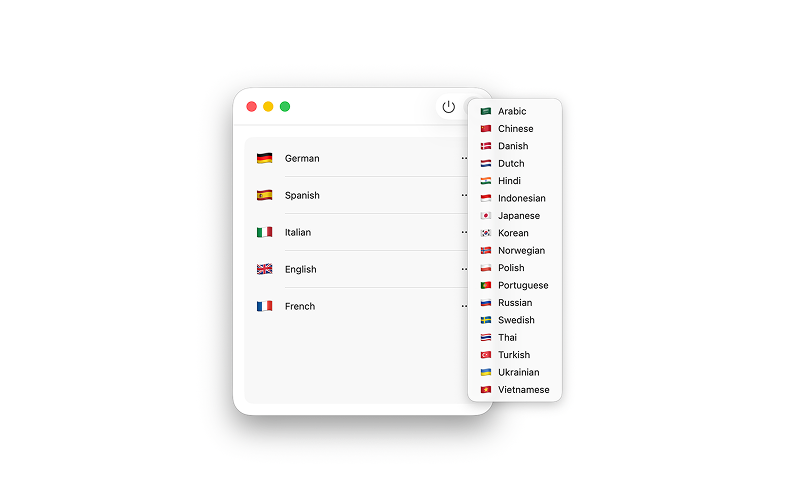
Your languages
The list starts empty. Add languages in Settings with Plus, or with Choice Language when the list is still empty.
Flag to switch
Click a flag to replace one side with another language from your personal list.
Clear and copy
The source field has a clear button when it has text. The translation field has a copy button.
Growing fields
Each field grows with its own text, from one line up to 14, then scrolls.
On-device translation
Linguo uses Apple Translation on your Mac. There is no cloud translator inside the app.
Launch at login
Keep Linguo in the menu bar after you sign in to your Mac.
No account
There is no Dock icon and no account. Your language list stays on your Mac.