
An open canvas.
Boards you can go into.
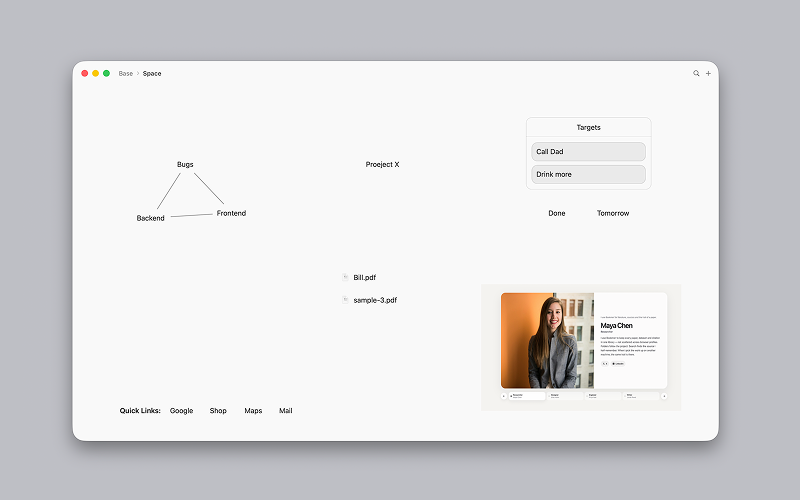
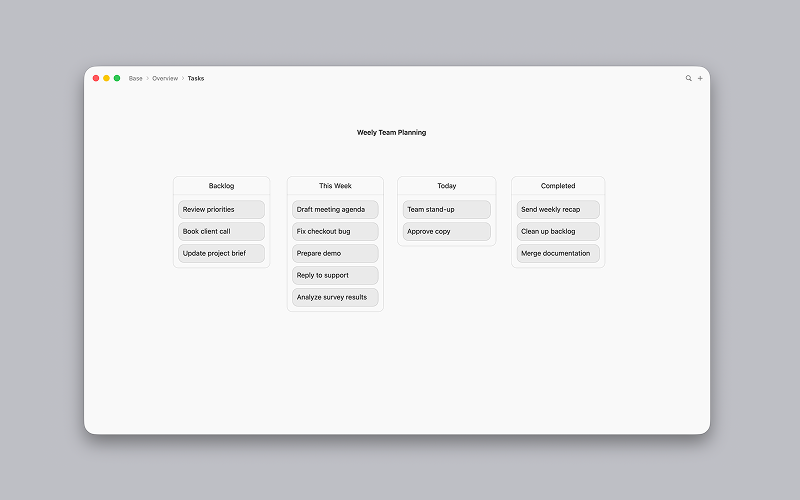
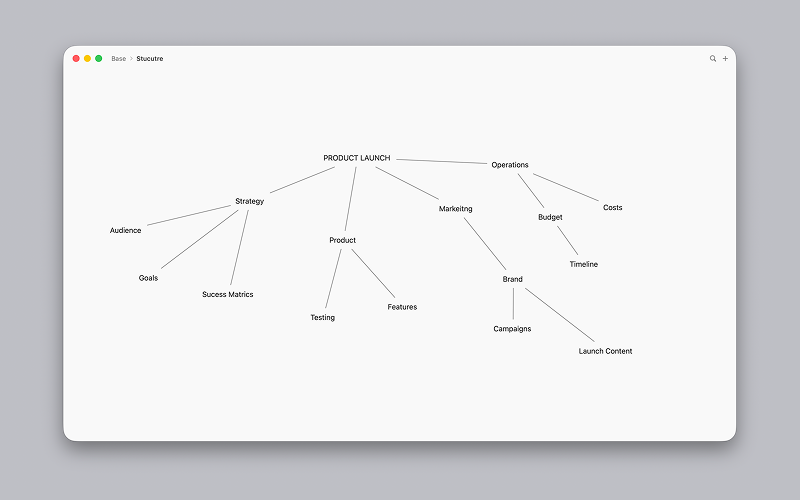
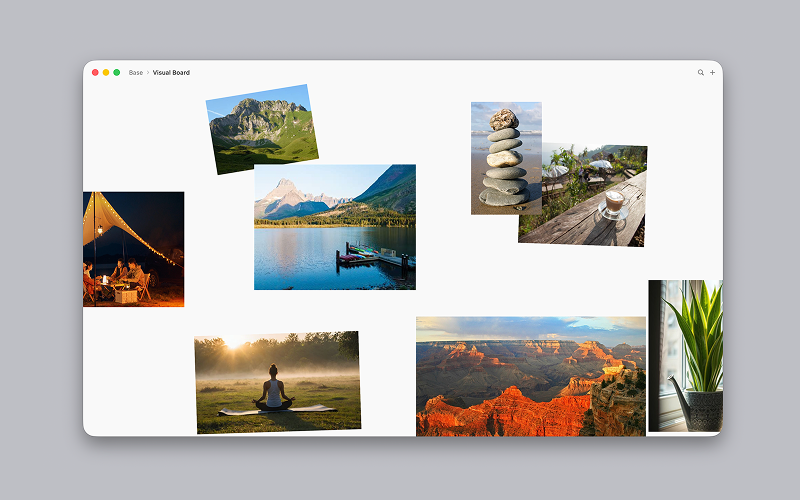
Expand is a spatial board for macOS. Place text, images, files, and shapes on an open canvas, then nest boards you can actually go into.
Double-click the board to add something. Right-click to choose text, images, files, or shapes. The plus in the toolbar adds from the top of the window. Drag to arrange. Open a board to work inside it, then use the title-bar breadcrumbs to go back up.
Your boards stay on your Mac and, if you choose, in your iCloud Drive. Expand does not collect account data or analytics.
Made for
Build in
Unlimited nesting
Build as many sub-element layers as you need and go into each board.
Images and shapes
Place pictures and shapes on the same open canvas as your notes.
Kanban elements
Drop Kanban-style boards onto the canvas when a topic needs columns.
Mindmap lines
Connect elements with lines, the way you would on a mindmap.
Full-text search
Find text across your boards without hunting through folders.
Sub-navigation
Move through nested boards and return with title-bar breadcrumbs.
iCloud
Documents save as .exd packages, including on iCloud Drive if you choose.
Rich text
Write with bold, italic, and underline — not just plain notes.
Files on the board
Put PDFs and other files next to text, images, and sketches.